
Keyboard Shortcuts
File Operations
| Shortcut | Action |
|---|---|
Cmd+O | Open file |
| Menu | File → Open Triage Collection… — inventory a KAPE/triage folder and import selected artifacts (workflow) |
Cmd+E | Export filtered data |
Cmd+S | Save session |
Cmd+Shift+O | Load session |
Cmd+Shift+R | Generate HTML report (macOS menu bar → File → Generate Report…) |
Navigation
| Shortcut | Action |
|---|---|
Cmd+W | Close active tab |
Cmd+Shift+Q | Close all tabs |
Cmd+1-9 | Switch to tab 1-9 |
Cmd+Tab | Next tab |
Cmd+Shift+Tab | Previous tab |
Up / Down | Navigate rows |
Search & Filter
| Shortcut | Action |
|---|---|
Cmd+F | Focus search bar |
Cmd+Shift+F | Cross-tab search (Cross Find) |
F3 / Cmd+Right | Next search match |
Shift+F3 / Cmd+Left | Previous search match |
Cmd+B | Toggle bookmarked rows only |
Escape | Clear search / close modal / close panel |
Grid
| Shortcut | Action |
|---|---|
Cmd+Shift+C | Column Manager |
Cmd+Shift+L | Conditional Formatting |
Cmd+R | Reset column widths |
Cmd+Plus / Cmd+Minus | Increase / decrease font size |
Click | Select row |
Shift+Click | Range select rows |
Cmd+Click / Ctrl+Click cell | Cell quick actions (Filter in / Filter out / Hide column) |
Right-click cell | Full context menu (Copy, Filter, Tags, VT lookup) |
Shift+F10 | Context menu (keyboard) |
Double-click | Cell detail popup |
Double-click border | Auto-fit column width |
Drag header | Group by column |
Selection
| Shortcut | Action |
|---|---|
Cmd+C | Copy selected rows (if text is selected in the detail panel, copies that instead) |
| Select All | Select all rows (Actions menu) |
| Deselect All | Clear selection (Actions menu) |
| Invert Selection | Toggle selection state (Actions menu) |
Tools & display
| Shortcut / control | Action |
|---|---|
| Toolbar histogram icon | Toggle timeline histogram (no keyboard shortcut) |
Cmd+Plus / Cmd+- | Increase / decrease font size (macOS Tools → Font Size) |
| Toolbar ☀ / 🌙 | Toggle dark / light theme |
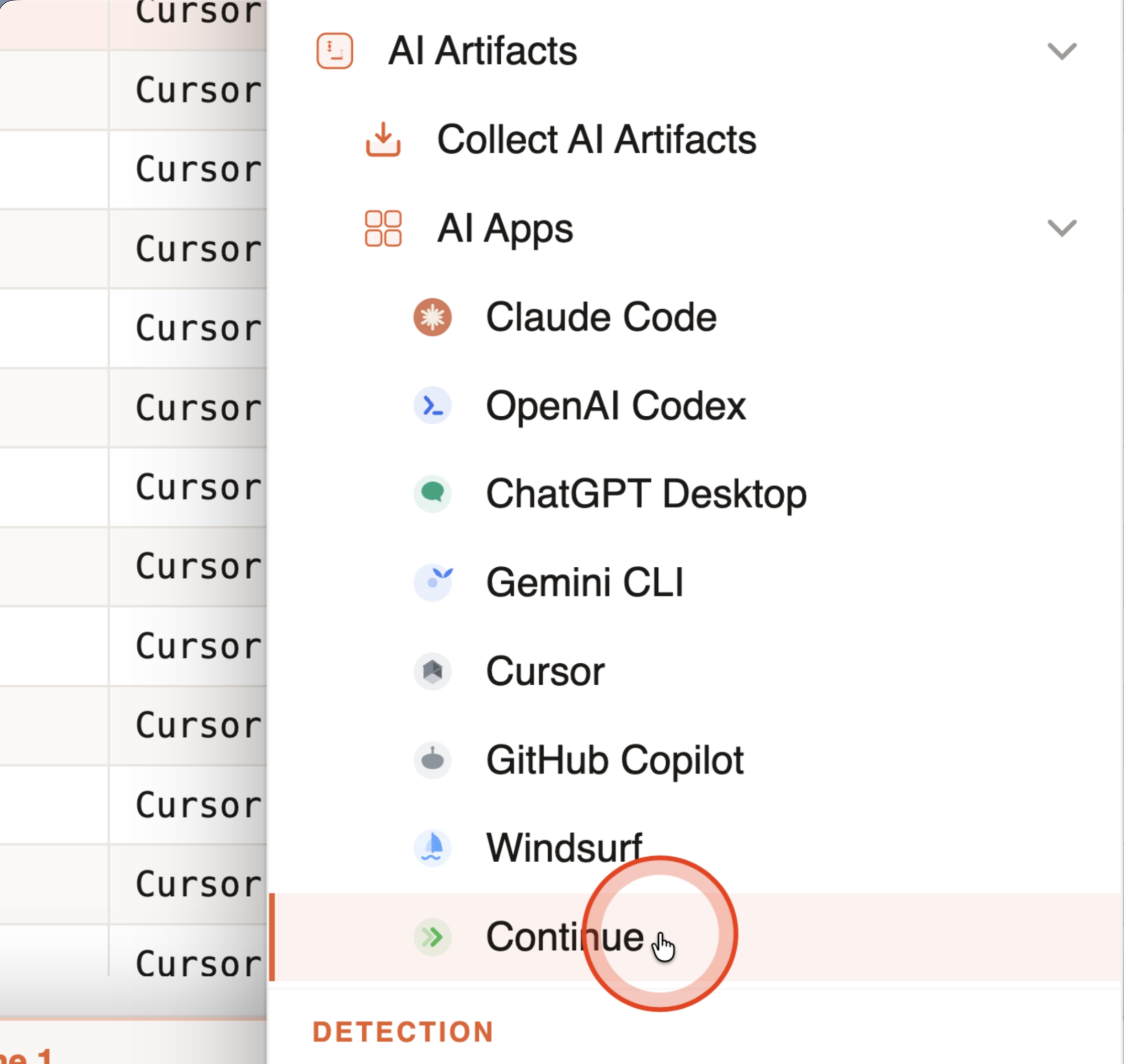
Analysis tools in the in-app Tools menu are grouped in four sections: Analysis (Stack Values, Gap Analysis, Log Sources, Burst Detection, AI Artifacts), Detection (Sigma Scan and AI Secret Hunt), Platforms (active Windows tools plus one collapsed Coming soon group for planned Linux, macOS, and cloud analyzers), and Export (AI history package, source manifest, Generate Report).
Windows platform tools include Process Inspector, Lateral Movement Tracker, Persistence Analyzer, RDP Bitmap Cache, plus Master File Table and USN Journal submenus for raw NTFS analysis. See Virtual Grid — Tools and NTFS Analysis.
Help
| Shortcut | Action |
|---|---|
Cmd+K | Open the searchable command palette |
Cmd+/ | Open Keyboard Shortcuts |
The Help menu also includes Command Palette, Quick Help, Check for Updates…, Website, and About IRFlow Timeline.
General
| Shortcut | Action |
|---|---|
Cmd+Q | Quit |
Cmd+M | Minimize window |
Display preferences (datetime format, timezone, theme, font size, temp storage folder) are in the Preferences guide — mostly via the in-app toolbar and the macOS Tools menu, not a single Preferences window.
Search Syntax
| Pattern | Meaning |
|---|---|
word1 word2 | OR (matches either) |
+word | AND (must include) |
-word | EXCLUDE |
"exact phrase" | Phrase match |
Column:value | Column-specific filter |
| Toolbar Filter / Highlight | Hide non-matches or keep all rows visible and highlight matches |
Context Menu Shortcuts
Cmd+Click any cell opens a quick-action menu:
- Filter in (show only matching rows)
- Filter out (exclude matching rows)
- Hide column
Right-click any cell opens the full context menu:
- Copy cell / Copy this row
- Copy selected rows (when rows are checked)
- Filter in / Filter out
- Tags ▸ (hover submenu — supports multi-row tagging)
- VirusTotal lookup (for IPs, hashes, domains)
Right-click any column header for column actions:
- Pin / Unpin column
- Group by column
- Sort ascending / descending
- Stack values
- Column stats
- Auto-fit column width
- Create color rule
- Hide column